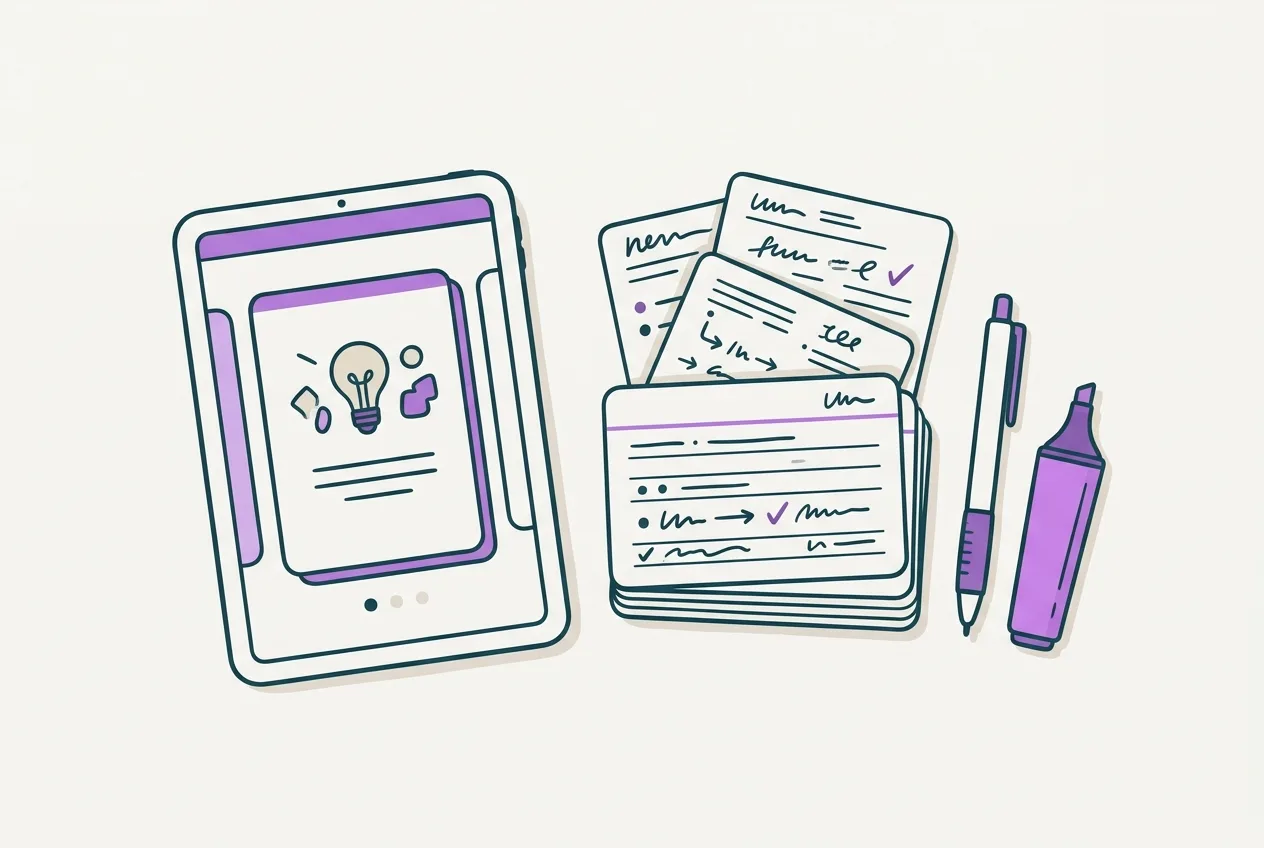

Make Flashcards From Dense Lecture Slides Effectively
Nov 15, 2026 · 9 min read · The Quizard Team

Making flashcards from dense lecture slides involves extracting the essential information and rephrasing it into concise, recall-oriented questions. This process transforms passive reading into active learning, making your study sessions more efficient and your memory retention stronger.
Dense lecture slides, often packed with text, diagrams, and complex concepts, can be overwhelming. Simply re-reading them is not an effective study method. Flashcards, when created correctly, force you to engage with the material, identify critical details, and then practice recalling them, which are fundamental principles of effective learning.
The Challenge of Dense Lecture Slides
University courses frequently rely on lecture slides as a primary source of information. While convenient for presentation, these slides are often designed to accompany a lecture, not to be a standalone study resource. They can be:
- Information-dense: Each slide may contain multiple paragraphs, complex charts, or intricate diagrams without clear summaries.
- Concept-heavy: Subjects like biology, law, or engineering often introduce numerous new terms, theories, and processes in a single lecture.
- Disorganized: Information might be presented in a linear fashion without highlighting the most crucial points for later study.
- Lacking context: Without the lecturer's explanation, some slides can be ambiguous or difficult to understand fully.
Approaching these slides with a flashcard-making mindset requires a strategic shift from trying to absorb everything to pinpointing what needs to be remembered and understood for exams.
Pre-Processing Your Slides: Identify the Core
Before you start writing flashcards, perform a preliminary review of your lecture slides. This helps you get a high-level overview and identify the main areas of focus.
- Review Learning Objectives: Many lectures begin with stated learning objectives. These are explicit cues from your instructor about what you are expected to know. Use them as a roadmap for your flashcards.
- Skim Headings and Subheadings: These provide the structure of the lecture and highlight major topics. Convert these into broad questions to guide your detailed reading. For example, if a heading is "Cellular Respiration Stages," consider a flashcard like "What are the main stages of cellular respiration?"
- Look for Bolded Terms and Definitions: Instructors often bold or italicize key vocabulary. These are prime candidates for definition flashcards.
- Examine Diagrams and Charts: Understand what each visual represents. Complex diagrams often summarize entire processes or relationships. Think about what questions you could ask to explain or label these visuals.
- Identify "Transition" Slides: Slides that introduce a new topic, summarize a section, or provide a case study are often important for understanding the flow and application of concepts.
- Scan for Examples and Case Studies: These illustrate abstract concepts. Think about how you could create a flashcard that asks for an example of a principle or requires you to apply a concept to a given scenario.
This pre-processing step helps you mentally organize the content and prioritize what information is most likely to appear on an exam or be crucial for understanding subsequent topics.
Crafting Effective Flashcards: Content and Format
Once you have an overview, dive into the details. The goal is to transform passive information into active recall prompts.
One Concept Per Card
Each flashcard should test a single piece of information or a single concept. If a slide explains five different characteristics of a disease, create five separate flashcards, one for each characteristic. Combining too much information onto one card makes it harder to recall specific details and evaluate your knowledge accurately.
Turn Statements into Questions
Instead of simply copying a definition or fact, rephrase it as a question. This forces active retrieval rather than passive recognition.
- Original slide text: "Mitochondria are the powerhouses of the cell, generating ATP through cellular respiration."
- Ineffective flashcard: Front: "Mitochondria." Back: "Powerhouses of the cell, generate ATP."
- Effective flashcards:
- Front: "What is the primary function of mitochondria?" Back: "To generate ATP through cellular respiration."
- Front: "Which cellular organelle is often referred to as the 'powerhouse of the cell'?" Back: "Mitochondria."
- Front: "What molecule do mitochondria primarily generate for cellular energy?" Back: "ATP."
Focus on Active Recall Prompts
Design your cards to prompt specific types of recall:
- Definitions: "Define [term]." "What is [term]?"
- Explanations: "Explain the process of [process]." "How does [mechanism] work?"
- Comparisons: "Compare and contrast [concept A] and [concept B]."
- Examples/Applications: "Provide an example of [concept]." "How would [principle] apply in [scenario]?"
- Causes/Effects: "What are the causes of [phenomenon]?" "What are the effects of [action]?"
- Steps/Stages: "List the stages of [process]." "What are the key steps in [procedure]?"
Use Your Own Words
Avoid copying text directly from slides. When you rephrase information in your own words, you are actively processing and understanding the content, not just memorizing sentences. This deeper processing improves retention. If you struggle to rephrase, it's a sign you may not fully grasp the concept.
Keep Answers Concise
The answer side of your flashcard should be as brief as possible, ideally a few words or a short sentence. This ensures you are testing core concepts and not overwhelming yourself with too much information during review. If an answer requires a longer explanation, consider breaking it down into multiple, more specific flashcards.
Leveraging Digital Tools for Efficiency
Manually creating flashcards from dense lecture slides can be time-consuming. Digital tools can significantly streamline this process, especially when dealing with a large volume of material.
Platforms like Quizard allow you to upload your lecture slides, notes, or recordings and automatically generate exam-style questions and flashcards. This can be a major time-saver, as the AI extracts key concepts and transforms them into reviewable content. Each generated question and flashcard also links directly back to the specific slide it came from, allowing you to quickly reference the original context if you need more detail. This feature is particularly useful for dense slides where context is crucial for understanding.
Many tools also offer export to Anki and CSV options, which can be useful if you prefer to use other spaced repetition systems.
Active Recall and Spaced Repetition: The Review Strategy
Creating flashcards is only half the battle; reviewing them effectively is what truly cements information in your long-term memory. The testing effect shows that retrieving information from memory strengthens that memory, and spaced repetition optimizes this process.
The Testing Effect
Every time you attempt to answer a flashcard without looking at the back, you are performing active recall. This effortful retrieval not only tests your knowledge but also reinforces the memory trace. Studies consistently show that testing yourself is more effective for long-term retention than passive re-reading.
Spaced Repetition
Spaced repetition is a learning technique that involves reviewing information at increasing intervals over time. Concepts you struggle with are shown more frequently, while those you know well are reviewed less often. This prevents you from forgetting information and optimizes your study time.
Many digital flashcard systems, including Quizard's daily study sessions, incorporate spaced repetition algorithms automatically. This means you don't have to manually track when to review each card; the system handles it for you, ensuring you revisit information just before you're likely to forget it. For a detailed plan on how to integrate this into your study routine, refer to a spaced repetition schedule for exams.
Common Pitfalls to Avoid
Even with the best intentions, flashcard creation can go wrong. Be aware of these common mistakes:
- Creating "recognition" cards: These are cards where the answer is immediately obvious from the question, requiring recognition rather than recall. For example, "The capital of France is Paris. True or False?" is less effective than "What is the capital of France?"
- Copying and pasting large blocks of text: As mentioned, this bypasses active processing and makes review cumbersome. Condense and rephrase.
- Making too few cards for dense content: If a slide covers multiple complex ideas, ensure you're creating enough specific cards to cover each one adequately.
- Delaying card creation: Make flashcards soon after a lecture. The information is fresher, and you're more likely to understand the nuances the instructor emphasized. This also helps build a consistent study workflow from lecture slides to flashcards.
- Neglecting review: Flashcards are powerful only if they are consistently reviewed using active recall and spaced repetition.
Integrating Flashcards into Your Study Workflow
Making flashcards should be an integral part of your study process, not an afterthought.
- After Each Lecture: Immediately after attending a lecture, or as soon as possible, go through the slides and begin making flashcards. This reinforces the information while it's still fresh.
- During Reading Assignments: If your course includes textbook readings, use the same principles to create flashcards from those texts as well.
- Regular Review Sessions: Schedule dedicated time each day or week for flashcard review. Consistency is key with spaced repetition.
- Before Exams: Use your entire deck as a final review tool, focusing on difficult cards.
By consistently creating and reviewing flashcards, you build a robust knowledge base, moving information from short-term to long-term memory. This prepares you not just for memorization, but for a deeper understanding that allows you to apply concepts. To deepen your understanding of active recall techniques, explore resources like Active Recall for Exams: Your Complete Study Technique Guide.
To streamline your flashcard creation from dense lecture slides, consider using Quizard.
FAQ
How do I prioritize information from very dense slides?
Focus on learning objectives, headings, bolded terms, definitions, and key diagrams or charts first. These are usually the most important concepts your instructor wants you to grasp. If you're unsure, imagine what questions an instructor would ask on an exam.
Is it better to make flashcards manually or use AI tools?
Both methods can be effective. Manual creation forces immediate engagement with the material, aiding initial understanding. AI tools, like Quizard, save time by automating the extraction and formatting, allowing you to generate many cards quickly and then refine them. Many students combine both, using AI for a first pass and then editing.
How many flashcards should I make per lecture?
There's no fixed number, as it depends on the density of the lecture and your learning style. Aim to cover every core concept, definition, process, and key example discussed. It's better to have more specific cards than fewer, overly broad ones.
What if I don't understand a concept on a slide?
Don't create a flashcard for something you don't understand. Instead, mark the concept for further research, consult your textbook, lecture notes, or ask a classmate or instructor for clarification. Flashcards are for reinforcing understood information, not for learning new concepts from scratch.
Quizard turns your own lecture slides into questions that cite the slide.
Start free