Digital vs. Paper Flashcards for Learning: Which is Best?
Nov 07, 2026 · 9 min read · The Quizard Team
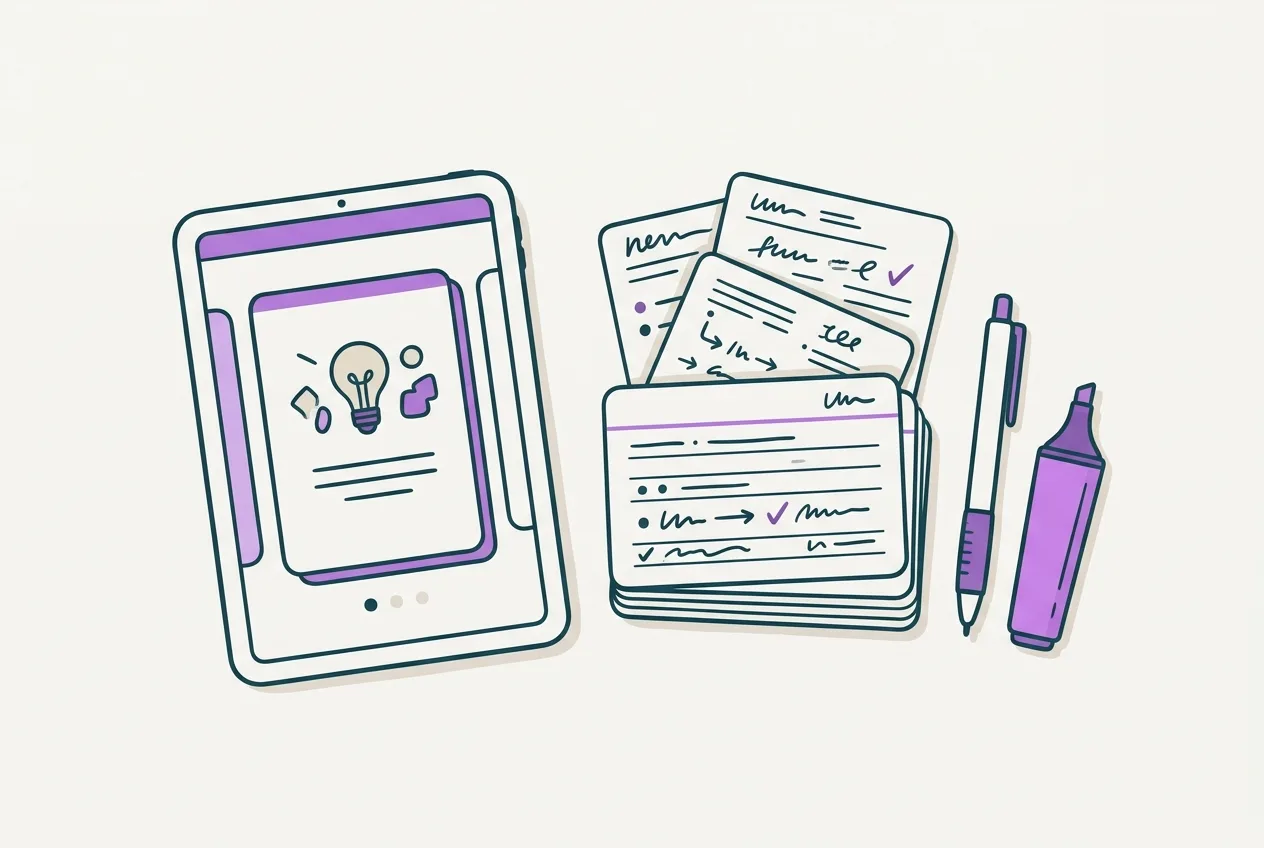
Deciding between digital and paper flashcards for learning depends on your personal study preferences, the subject matter, and how you plan to review. Both formats effectively support active recall and spaced repetition, but each comes with its own set of advantages and disadvantages. There isn't one universally "better" option; the ideal choice often aligns with individual needs and how consistently you will use the method.
This guide will examine the pros and cons of both digital and paper flashcards to help you determine which format, or combination, best suits your study routine for university exams.
The Case for Paper Flashcards
Paper flashcards offer a tactile and often distraction-free study experience that many students find beneficial.
Advantages of Paper Flashcards
- Tactile and Kinesthetic Engagement: The physical act of writing out questions and answers, shuffling cards, and physically moving them from "known" to "unknown" piles can enhance memory for some learners. This kinesthetic involvement can create a stronger memory trace.
- Reduced Distractions: With paper cards, you are removed from the potential distractions of a digital device, such as notifications, social media, or other tempting applications. This can foster a more focused study environment.
- Customization and Creativity: You have complete freedom to use different colored pens, draw diagrams, add sticky notes, or use specific layouts. This level of personalization can make the study material more engaging and memorable.
- No Technical Dependencies: Paper flashcards require no battery, internet connection, or software. They are always ready for use, regardless of your location or available technology.
- Easy Collaboration: You can easily pass physical cards around in a study group, quiz each other, or trade sets of notes.
Disadvantages of Paper Flashcards
- Time-Consuming Creation: Manually writing out many flashcards, especially for extensive courses, can take a significant amount of time that could otherwise be spent reviewing.
- Portability and Organization Challenges: Large volumes of paper flashcards can be bulky and difficult to carry. Keeping them organized, sorted, and in the correct order requires consistent effort, and cards can easily get lost or damaged.
- No Built-in Spaced Repetition: Implementing an effective spaced repetition schedule with paper flashcards requires a manual system, such as using multiple boxes or rubber bands, which can be cumbersome to maintain.
- Limited Media Integration: You are restricted to text and hand-drawn images. Incorporating complex diagrams, audio pronunciations, or video clips is not possible.
- Difficult to Edit: Correcting errors or updating information on paper cards often means creating entirely new cards.
The Case for Digital Flashcards
Digital flashcards leverage technology to offer efficiency, flexibility, and powerful study tools that cater well to modern academic demands.
Advantages of Digital Flashcards
- Portability and Accessibility: Digital flashcards are accessible on any device—smartphone, tablet, or computer—allowing you to study anytime, anywhere, even for just a few minutes during a commute or break.
- Efficiency in Creation and Editing: Flashcards can be typed quickly, copied and pasted from lecture notes, or even generated automatically from uploaded study materials. Editing and updating cards is instant and straightforward.
- Integrated Spaced Repetition: Most digital flashcard platforms, such as Anki and Quizard, incorporate sophisticated spaced repetition algorithms. These systems automatically schedule reviews based on your performance, ensuring you review difficult material more frequently and easier material less often, optimizing long-term retention.
- Rich Media Integration: Digital cards can include images, audio, video, GIFs, and complex formulas, which is especially beneficial for subjects like anatomy, languages, or physics.
- Superior Organization and Searchability: Digital platforms allow you to organize cards into decks, sub-decks, or with tags. You can easily search for specific terms or concepts across all your flashcards.
- Performance Tracking and Analytics: Many digital tools provide statistics on your progress, showing which cards you struggle with, your review streak, and overall mastery, helping you focus your efforts strategically.
- Dynamic Linking: Platforms can link flashcards directly back to their source material, such as specific lecture slides or notes, providing immediate context for review. Quizard, for example, links every generated question and flashcard back to its original slide, helping you review the context quickly without losing track of where the information came from.
Disadvantages of Digital Flashcards
- Potential for Distractions: Studying on a digital device often means battling notifications, tempting social media apps, and the internet. Maintaining focus requires discipline.
- Screen Fatigue: Extended periods of screen time can lead to eye strain, headaches, or general fatigue, impacting your ability to concentrate.
- Passive Creation Risk: The ease of copy-pasting content can sometimes lead to passive creation where you don't fully process the information as you create the card. Active engagement during creation is crucial, regardless of format.
- Technical Dependencies: Reliance on device battery, internet connectivity, and potentially software glitches can interrupt study sessions.
- Cost: While many basic flashcard apps are free, some advanced platforms or premium features may require a subscription.
Factors to Consider When Choosing
The best flashcard format for you depends on several personal and practical factors.
Your Learning Style
- Kinesthetic learners often benefit from the physical act of writing and manipulating paper cards.
- Visual learners might appreciate the ability to easily integrate images, videos, and color-coding in digital formats.
- Auditory learners can benefit from adding audio clips (e.g., for language pronunciation) to digital flashcards.
Subject Matter
- Image-heavy subjects like anatomy, art history, or engineering often benefit significantly from digital flashcards due to the ease of embedding high-resolution visuals.
- Concept-heavy courses in humanities or law might work well with either, but digital can offer quicker content generation.
- Language learning is greatly enhanced by digital flashcards that support audio, native speaker recordings, and character sets.
Study Environment and Habits
- If you frequently study on the go (commuting, waiting between classes), digital flashcards are more convenient.
- If you prefer a dedicated, distraction-free study space at home or in the library, paper cards might support that environment better.
- Consider your existing tech habits. If you're already using digital notes and lecture slides, integrating digital flashcards can streamline your workflow.
Time and Volume of Material
- For courses with a vast amount of information or if you have limited time to create study materials, digital flashcards, especially those that generate content automatically, are more efficient.
- If your course is smaller and you enjoy the creative process, paper might be a good fit.
Optimizing Your Flashcard Study, Regardless of Format
The effectiveness of flashcards largely depends on how you use them, not just the format. Incorporate these strategies for better results:
- Prioritize Active Recall: Always attempt to retrieve the answer before flipping the card or revealing the digital answer. This active effort strengthens memory formation.
- Implement Spaced Repetition: Review material at increasing intervals to combat the forgetting curve. Digital apps automate this, while paper users need a system to manage it. You can learn more about this effective strategy in our guide on Spaced Repetition Schedule for Exams: Your 4-Week Plan.
- Keep Cards Concise: Each flashcard should have one clear question and one specific answer. Avoid overcrowding cards with too much information; break down complex ideas into multiple cards.
- Regular, Short Review Sessions: Consistent daily review sessions, even just 15-20 minutes, are more effective than infrequent, long cramming sessions.
- Link to Source Material: If you find yourself unable to answer a flashcard, refer back to your original notes, textbook, or lecture slides for a deeper understanding. This context reinforces learning.
Combining Approaches for Enhanced Learning
Many students find a hybrid approach to be the most effective. You can leverage the strengths of both formats:
- Initial Creation: Use digital tools for quick creation, especially if you're pulling information from lecture slides or digital notes.
- Targeted Review: Use digital flashcards for your primary spaced repetition schedule, taking advantage of automation and portability.
- Deep Dive & Customization: For particularly challenging concepts, write them out on paper flashcards. This tactile exercise can help solidify understanding.
- Diagrams and Visuals: Sketch complex diagrams on paper, then use digital flashcards for labeling and explaining components.
- Printing Digital Decks: Convert challenging digital decks into printable PDF sheets to review away from screens or to physically organize specific topics. Tools are available to convert your Anki .apkg file to PDF flashcards.
How Quizard Enhances Digital Flashcard Study
Digital platforms like Quizard streamline the flashcard creation process, especially when working with lecture slides and notes. Quizard automatically generates exam-style questions and flashcards directly from your uploaded materials. This includes features like linking each question or card to its source slide, a coverage map to track unpracticed material, and spaced-repetition scheduling for daily reviews. You can also export everything to Anki or CSV, giving you flexibility. Discover more about what Quizard does.
Ultimately, the most effective flashcard method is the one you will use consistently and effectively. Experiment with both digital and paper formats to discover what best supports your learning process and helps you achieve your study goals. Consider exploring digital study tools to streamline your process.
FAQ
Are paper flashcards better for memory?
Some research suggests that the tactile process of writing and handling physical cards can enhance memory retention for certain learners due to increased kinesthetic engagement. However, the effectiveness largely depends on how you use them, focusing on active recall and spaced repetition rather than just passive reading, which can be applied to both formats.
What are the key advantages of digital flashcards for university students?
Digital flashcards offer significant advantages for university students due to their efficiency, portability, and automation. They allow for rapid creation from existing digital notes, integrate spaced repetition algorithms for optimal review scheduling, support rich media like images and audio, and provide easy organization and searchability across vast amounts of material.
How can I combine both digital and paper flashcards effectively?
An effective hybrid approach involves using digital flashcards for initial creation, automated spaced repetition, and portability for on-the-go study. Complement this by using paper flashcards for challenging concepts that benefit from tactile engagement, for drawing complex diagrams, or for focused, distraction-free review sessions away from screens.
Quizard turns your own lecture slides into questions that cite the slide.
Start free